Hydration you can read at a glance
One flower. Four stages. No math required.
- Role
- Product Designer
- Solo project
- Timeline
- June 2026
- 4 weeks
- Type
- Personal project
- watchOS app
- Focus
- Hydration tracking
- At-a-glance design
Overview
Hanami is a hydration tracker for Apple Watch. The goal was to build its core interaction around a single glance that tells you where you stand, not around a number you have to stop and interpret. I designed, prototyped, and coded it, and it’s now heading into beta.
TL;DR
- The problem
- Hydration trackers hand you a number. People checked about 4.5 times a day and still rated feeling informed 2 out of 5.
- What I did
- Interviewed 4 people, tested wireframes with 2, revised them, designed, prototyped, and coded the Apple Watch app, then benchmarked it with 5 new people.
- The outcome
- A lotus that fills petal by petal, so one glance says where you stand.
The current experience
Most hydration trackers hand you a number and call it done. The number changes, but knowing where you actually stand still takes work.
Isolated number
68% of daily goal. No sense of whether that's on track, or already behind.
The math is on you
850 of 1,500 mL logged. What's left, and when you last drank, is yours to work out.
Streak without substance
A 7-day streak rewards showing up. It says nothing about whether any day was actually enough.
So the real question became: how do you make checking in feel informative?
Research synthesis
“I check it a few times a day, but I couldn’t tell you if I’m actually on track.”
Meet Mai
Built from 4 user interviews about how people track their water and how informed they feel.


Mai James
The Habitual Checker
- 27
- Environmental Analyst
- Austin, TX
Bio
Wears her Apple Watch daily and has tried more than one hydration app before this. Familiar with the basic idea — a goal, a log, a number — but none of them have stuck. She checks in a few times a day without ever feeling like she’s caught up on how she’s doing. She’s not new to tracking. She’s tracking without traction.
Personality
Mai
User journey map
How Mai tracks her water today. Each stage’s low point became an opportunity.
Tasks
- Downloads another hydration app
- Sets it up with a daily goal
Feelings
Hopeful, but she's been here before with apps that didn't stick.
Opportunity
Setup light enough that this one sticks past the first week.
Why a lotus?
Progress had to read in one glance. I weighed a ring, a bottle, and a lotus, then refined the lotus.
- Ruled out
A progress ring
Familiar, but it's still a number in a circle, with no tie to water.
- Ruled out
A filling bottle
Says water, but it's an ordinary gauge to estimate, not something that brings joy.
- Explored
Lotus contenders
Three lotus shapes I tried for the mark before landing on the final one.
- Chosen
The final lotus
A flower long tied to water that blooms petal by petal, a symbol of resilience and purity that makes checking in a small joy.


Wireframes
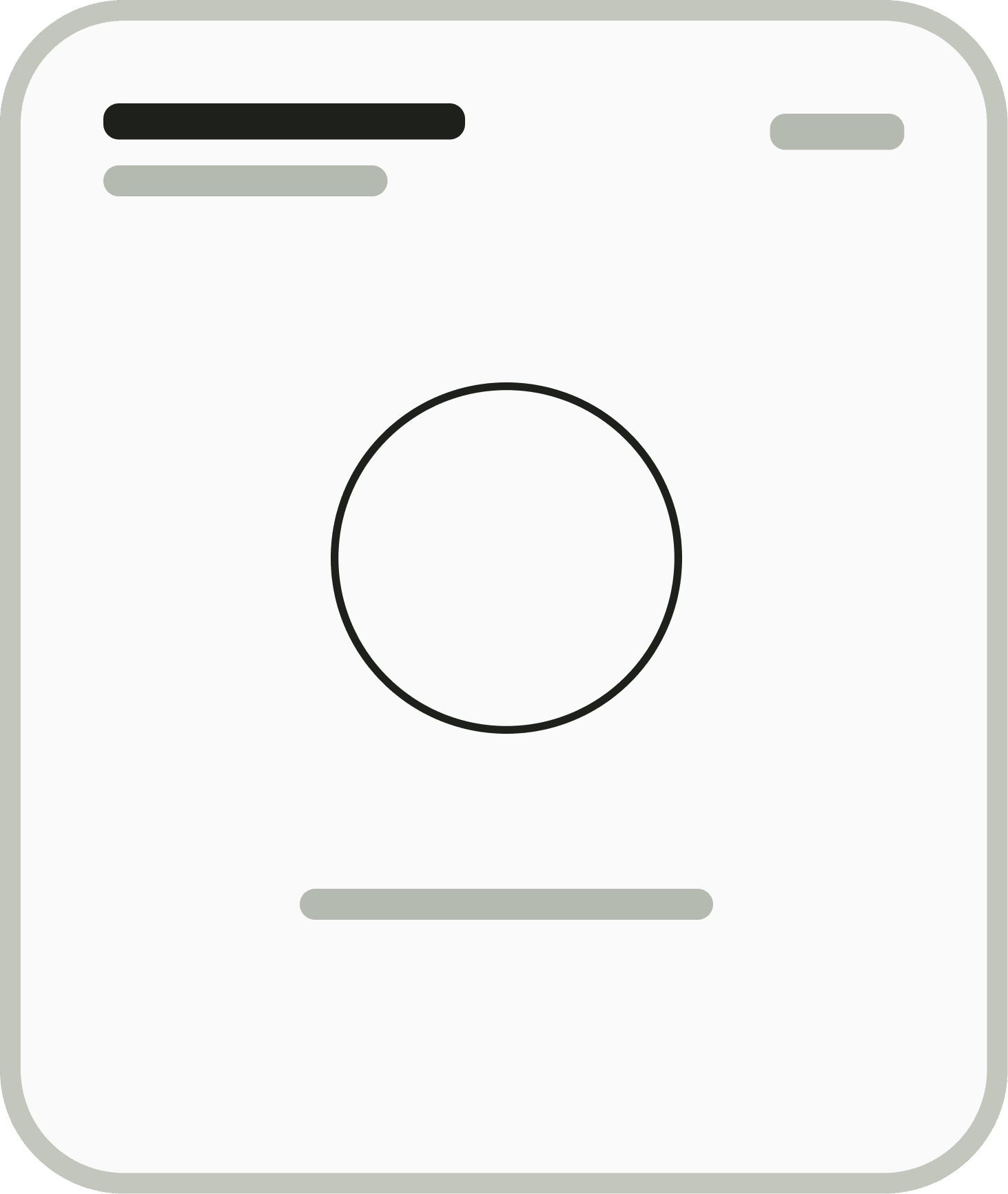
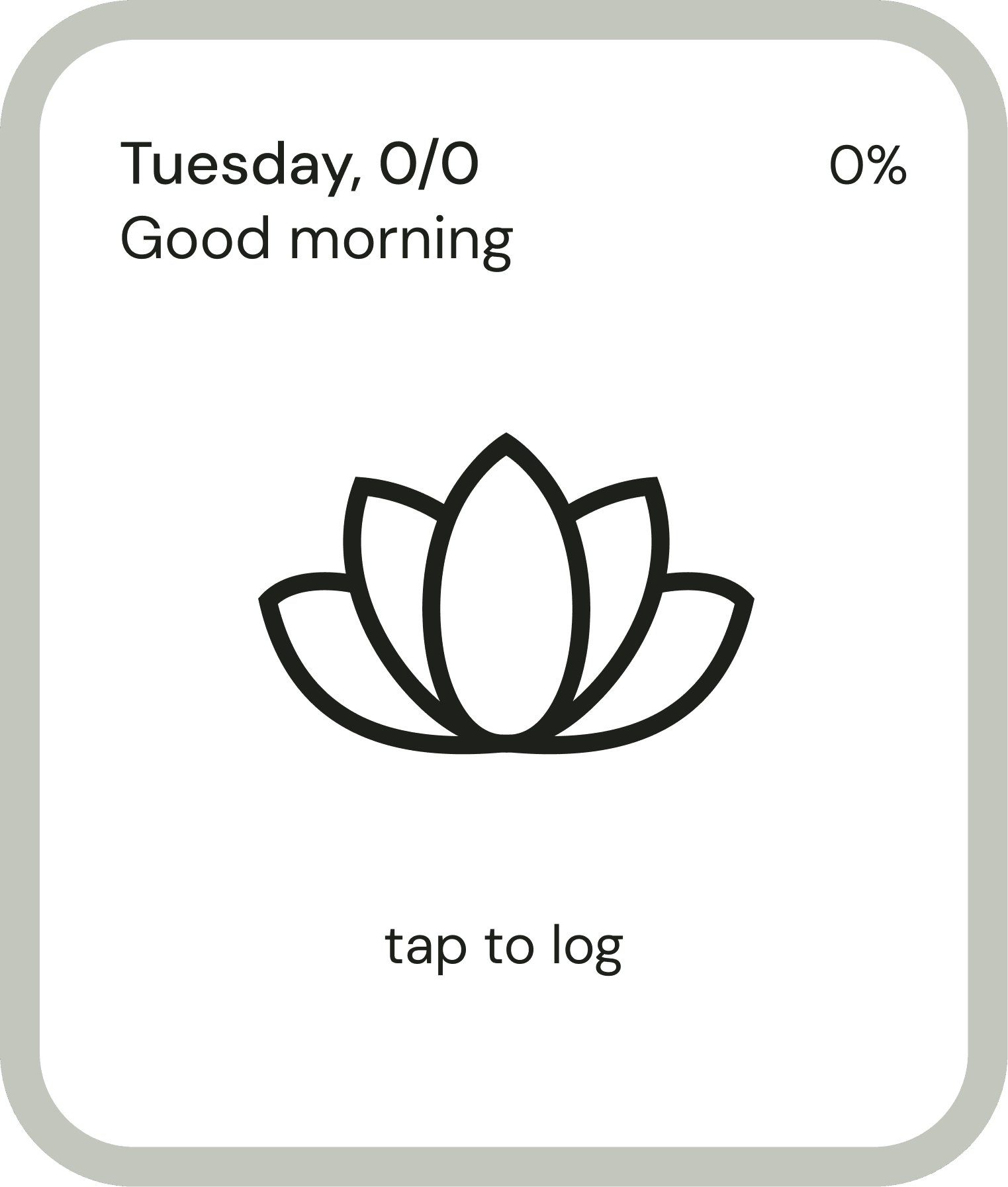
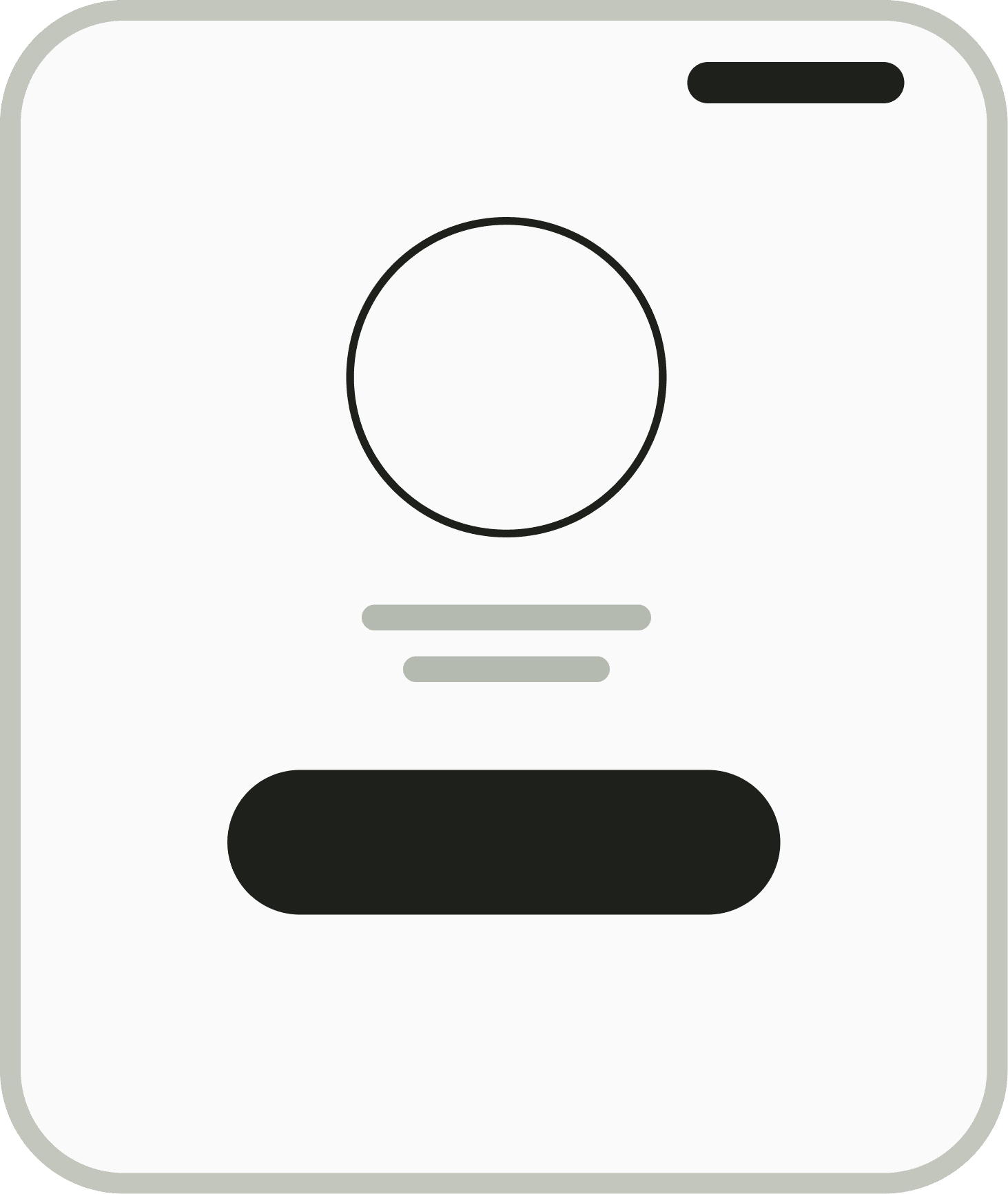
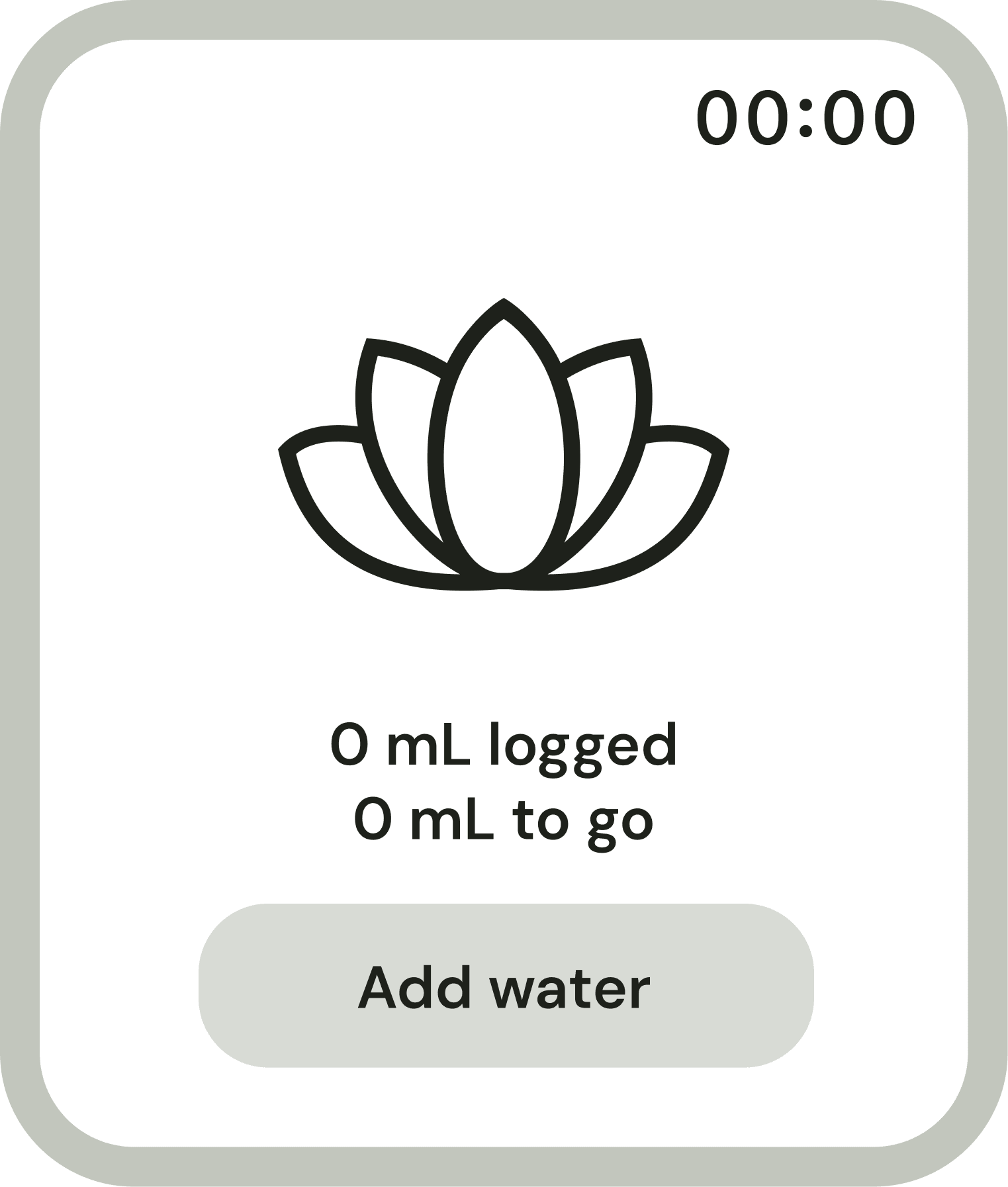
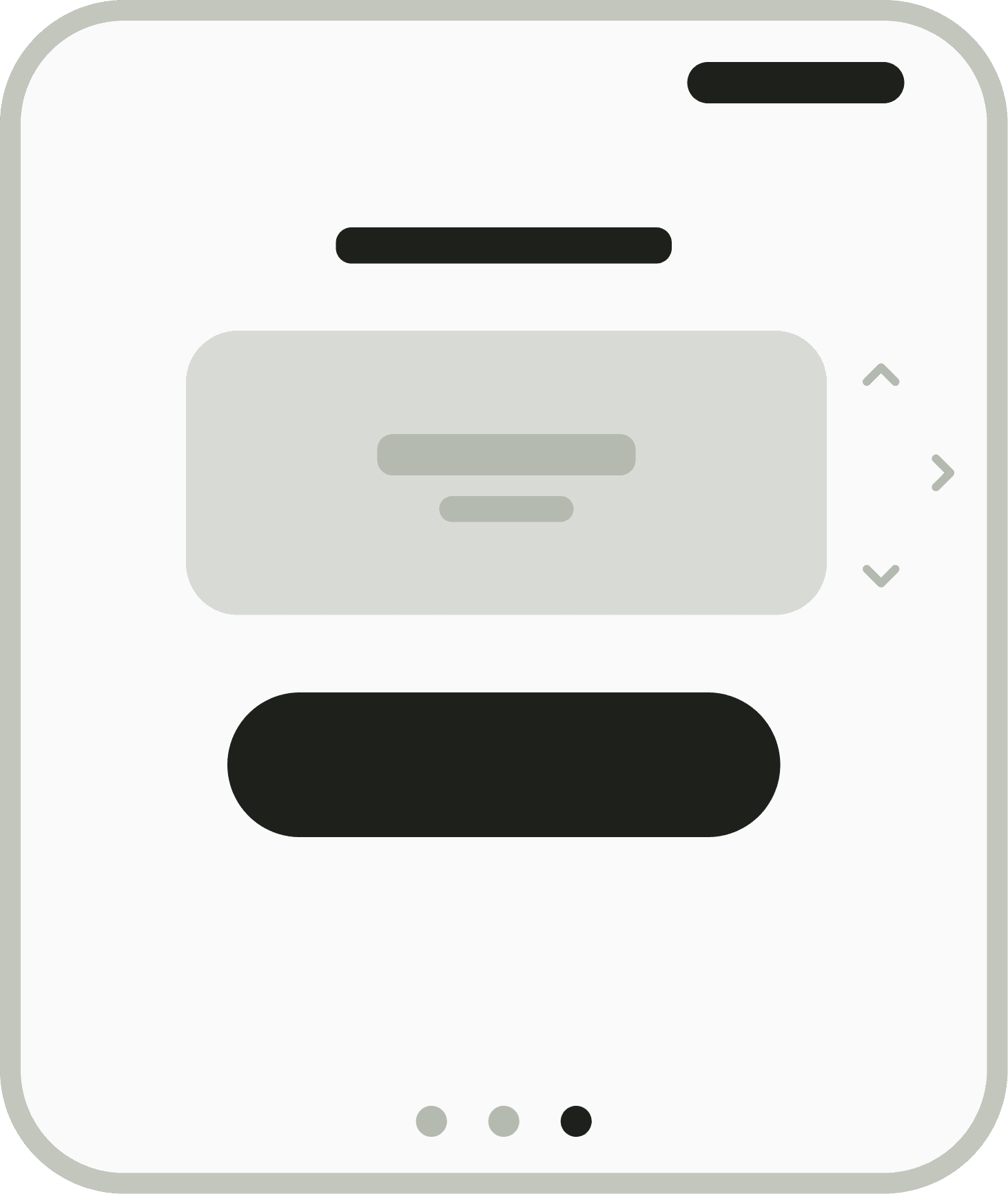
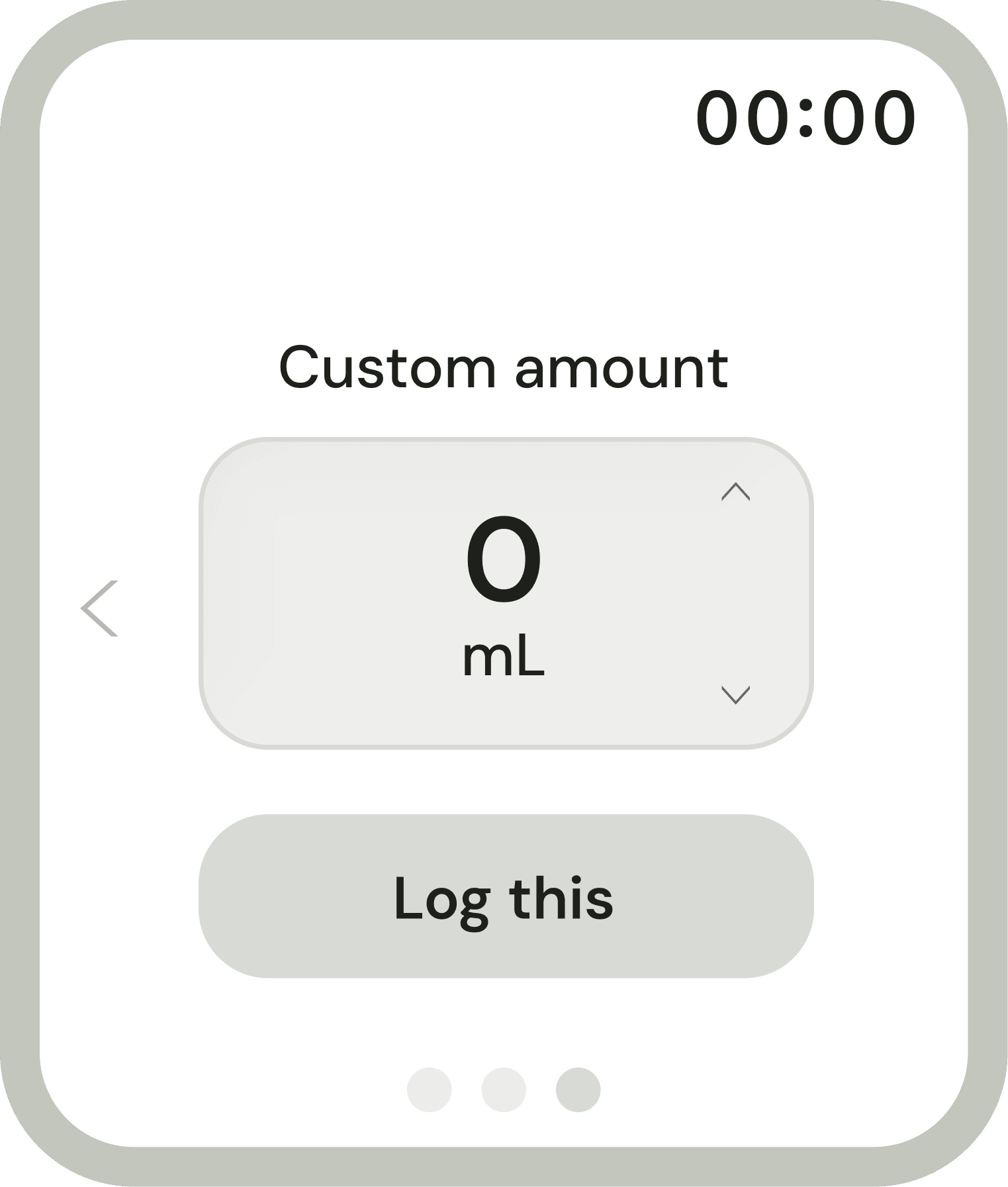
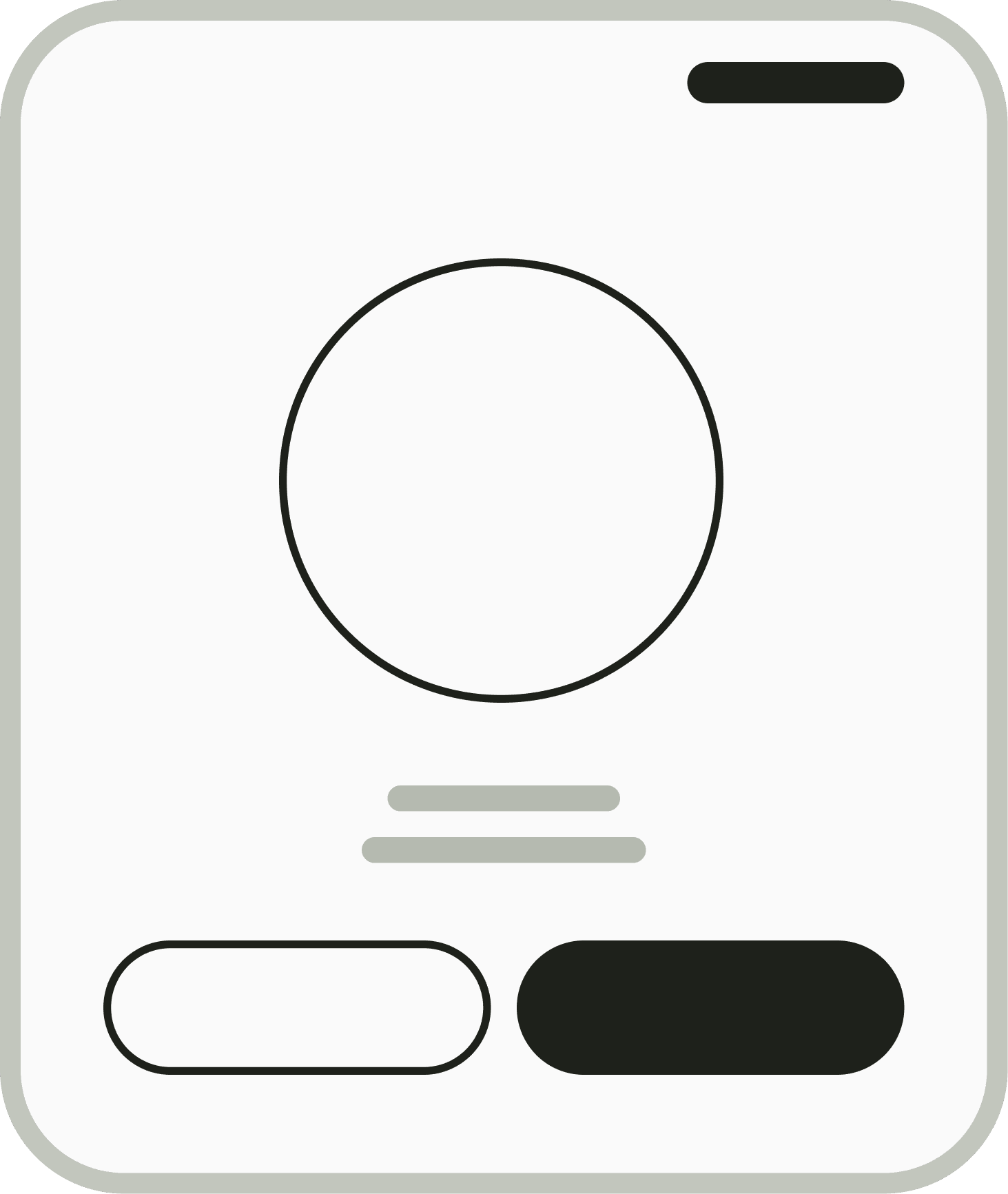
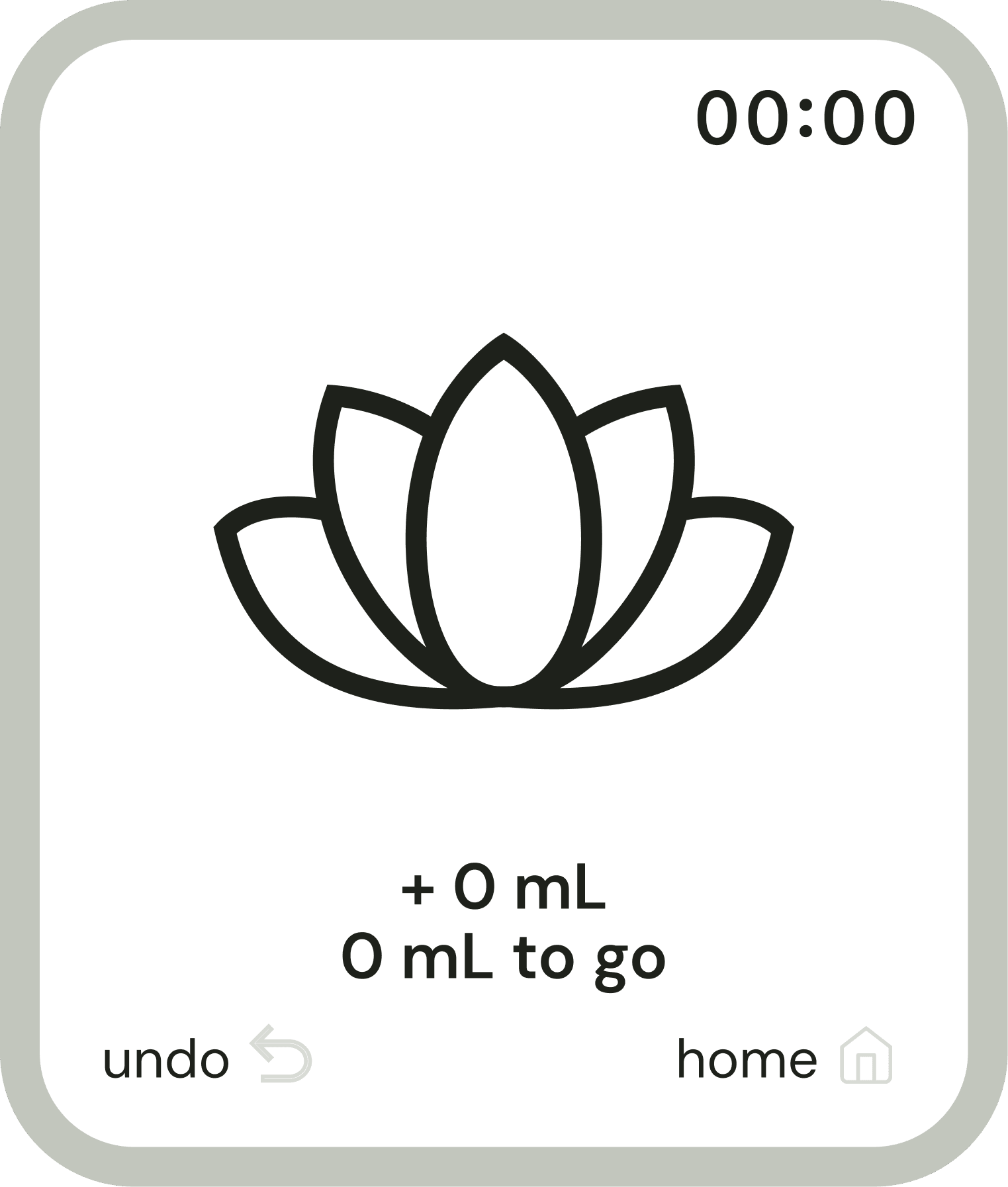
The wireframes start with the two moments she repeats all day: logging a drink and checking where she stands.
- Home, at a glance
- Home, expanded
- Glass
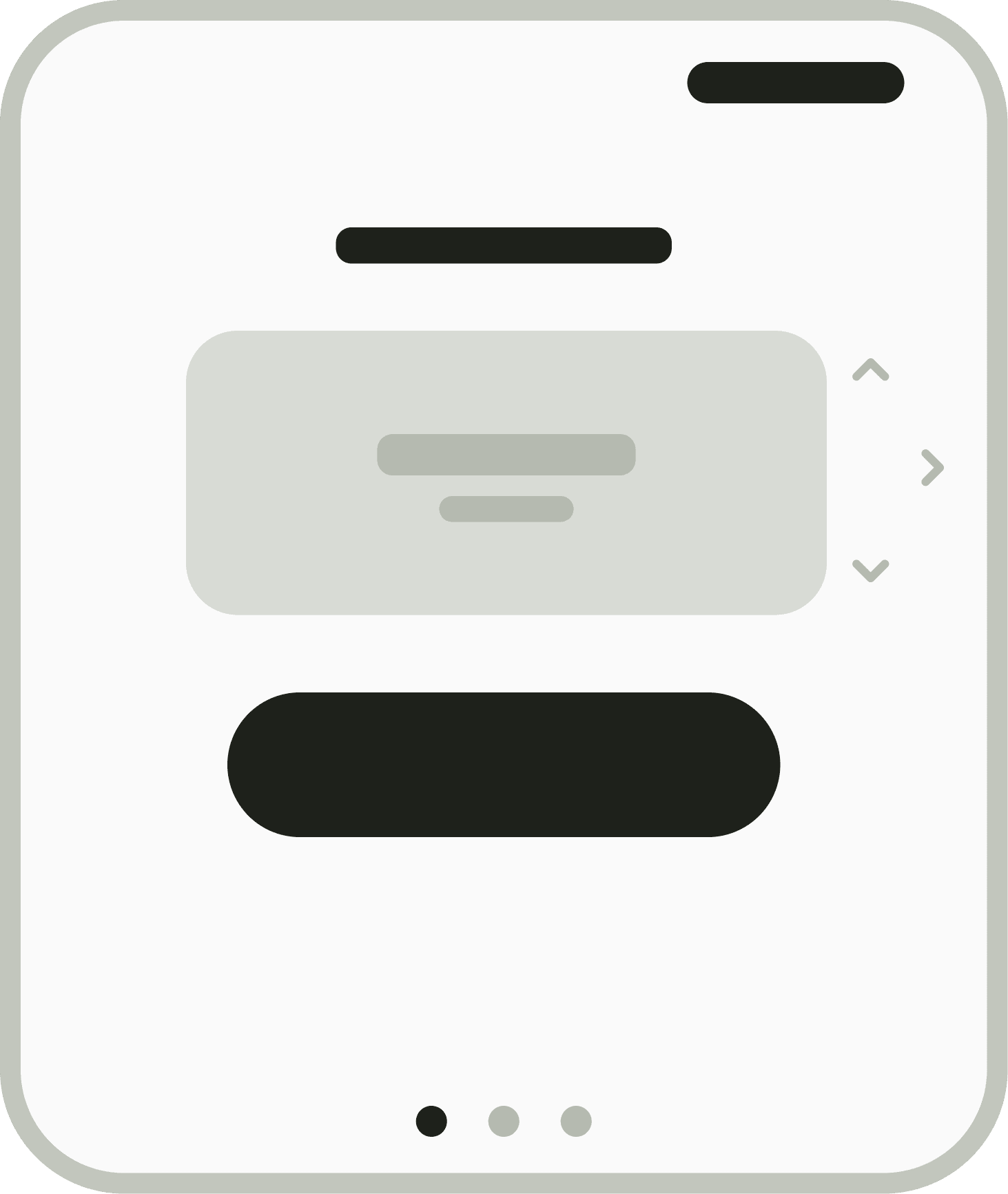
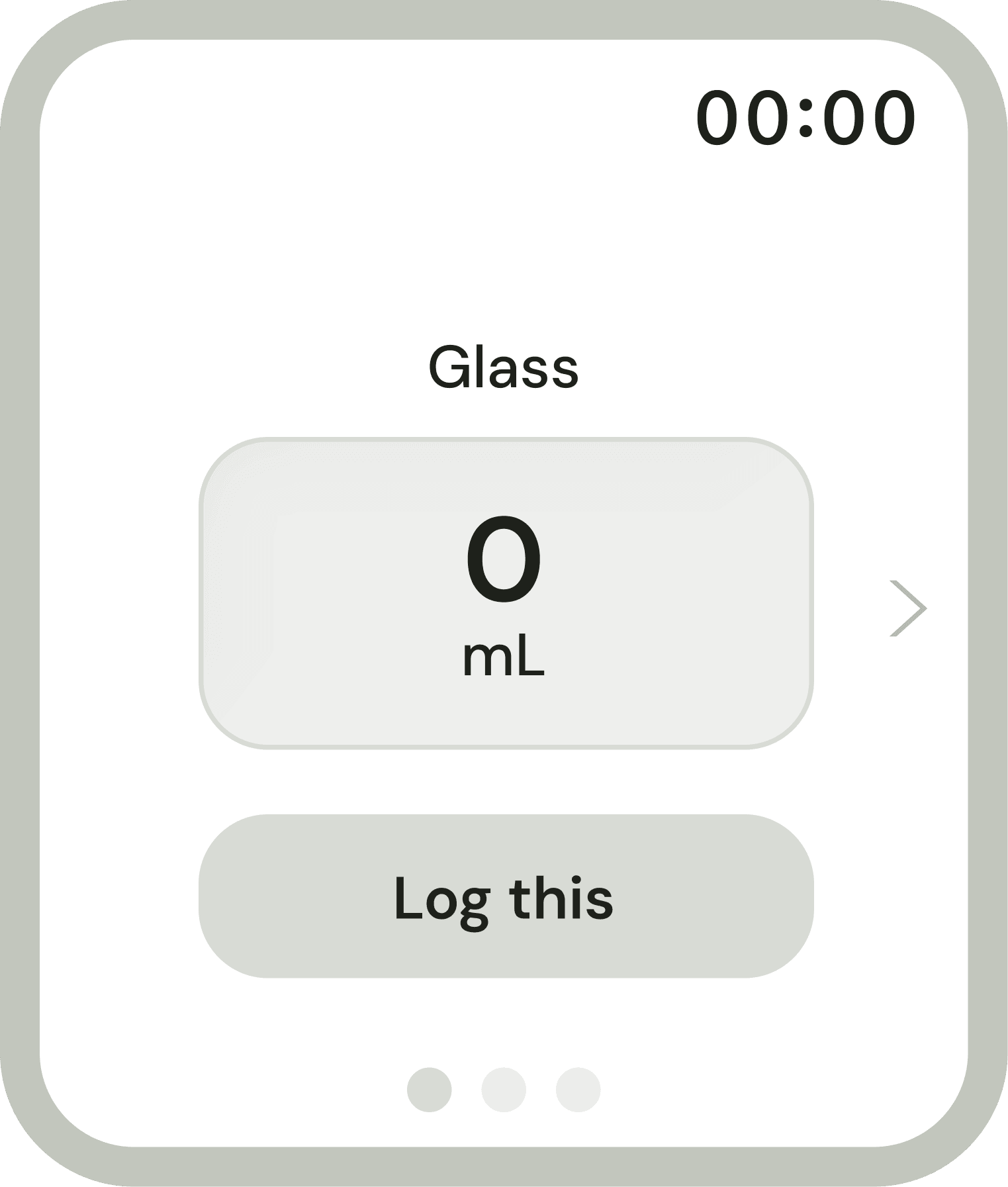
- Bottle
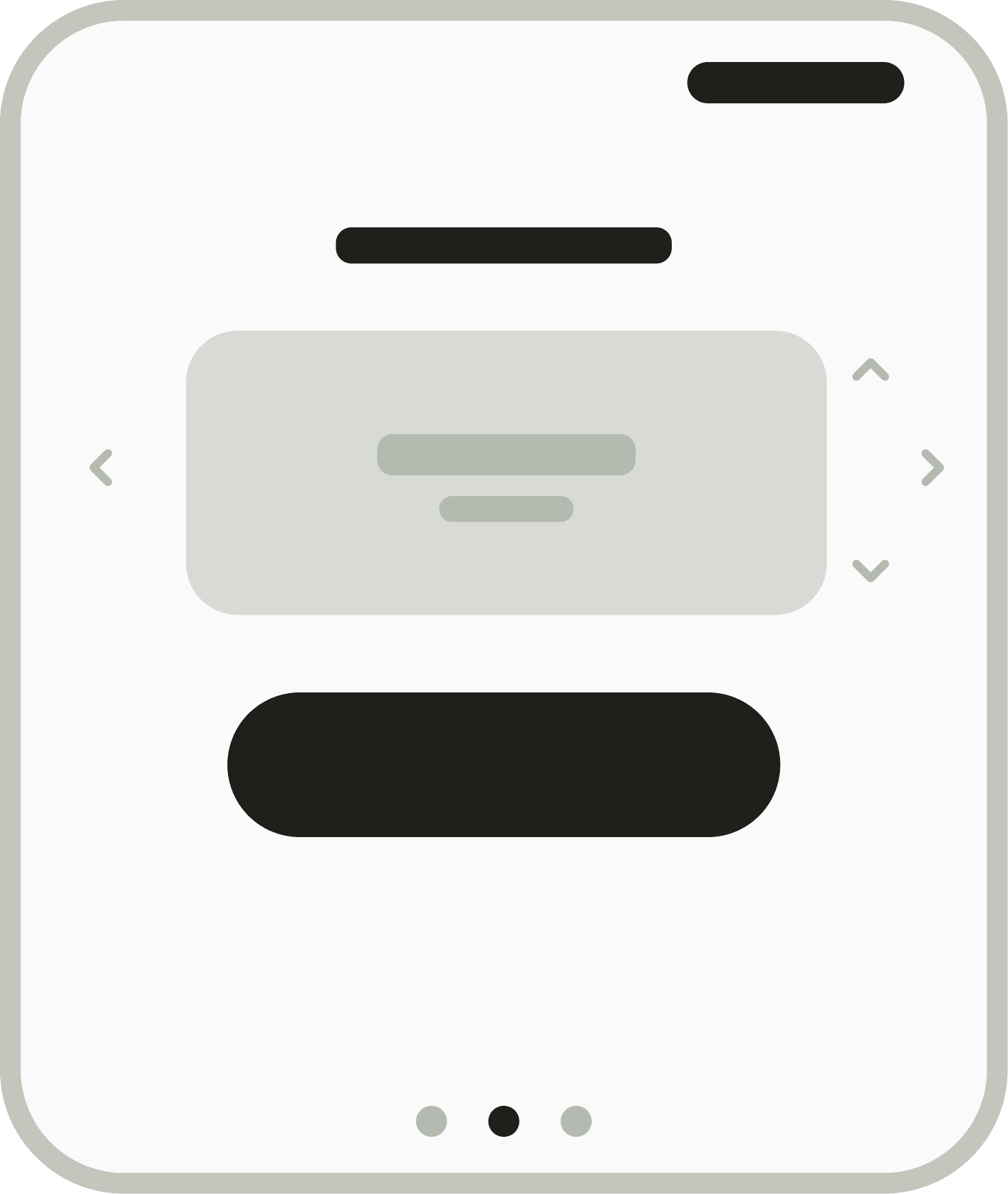
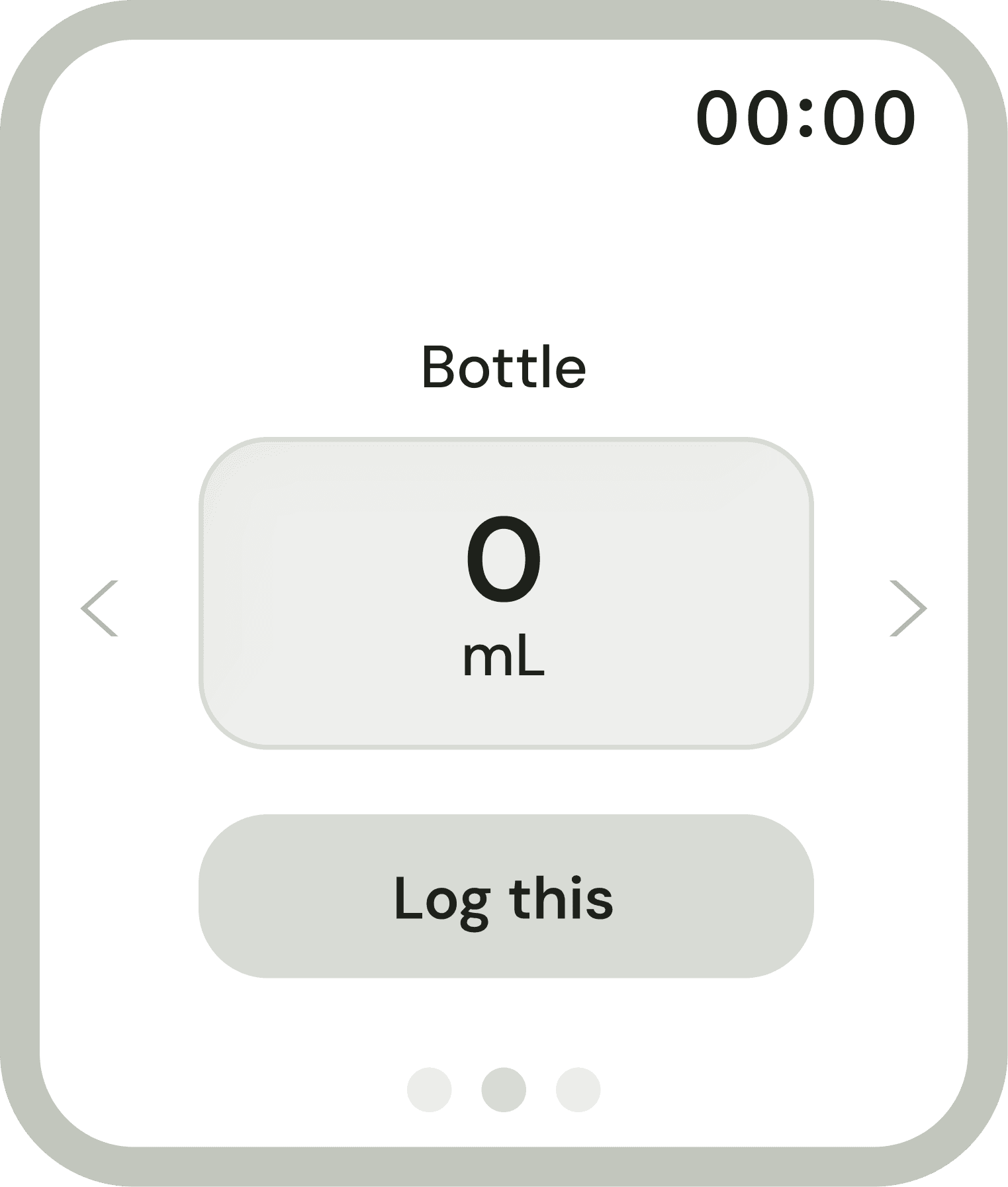
- Custom amount
- Logged
Before locking anything in, I put the wireframes in front of two testers.
Usability testing insights
Two testers walked through the wireframes, thinking out loud as they logged water. Logging held up; what changed was everything around it: clearer hints for taps and the crown, a visible sense of progress, and easier ways to undo or get home. In a final benchmark, 5 new people tried how they track today (notes on paper or their phone, or memory) and Hanami in alternating order: they read their progress 31% faster (median 10.1s to 7.0s), completed 14 of 15 logging tasks, and rated feeling informed 3.6 out of 5, up from 2.
“I don’t have to do the math anymore. I can just look at it.”
The refined wireframes
 Home, at a glance
 Home, expanded
 Custom amount
 Logged
A wrist-first experience built for clarity, at a glance.
What I built
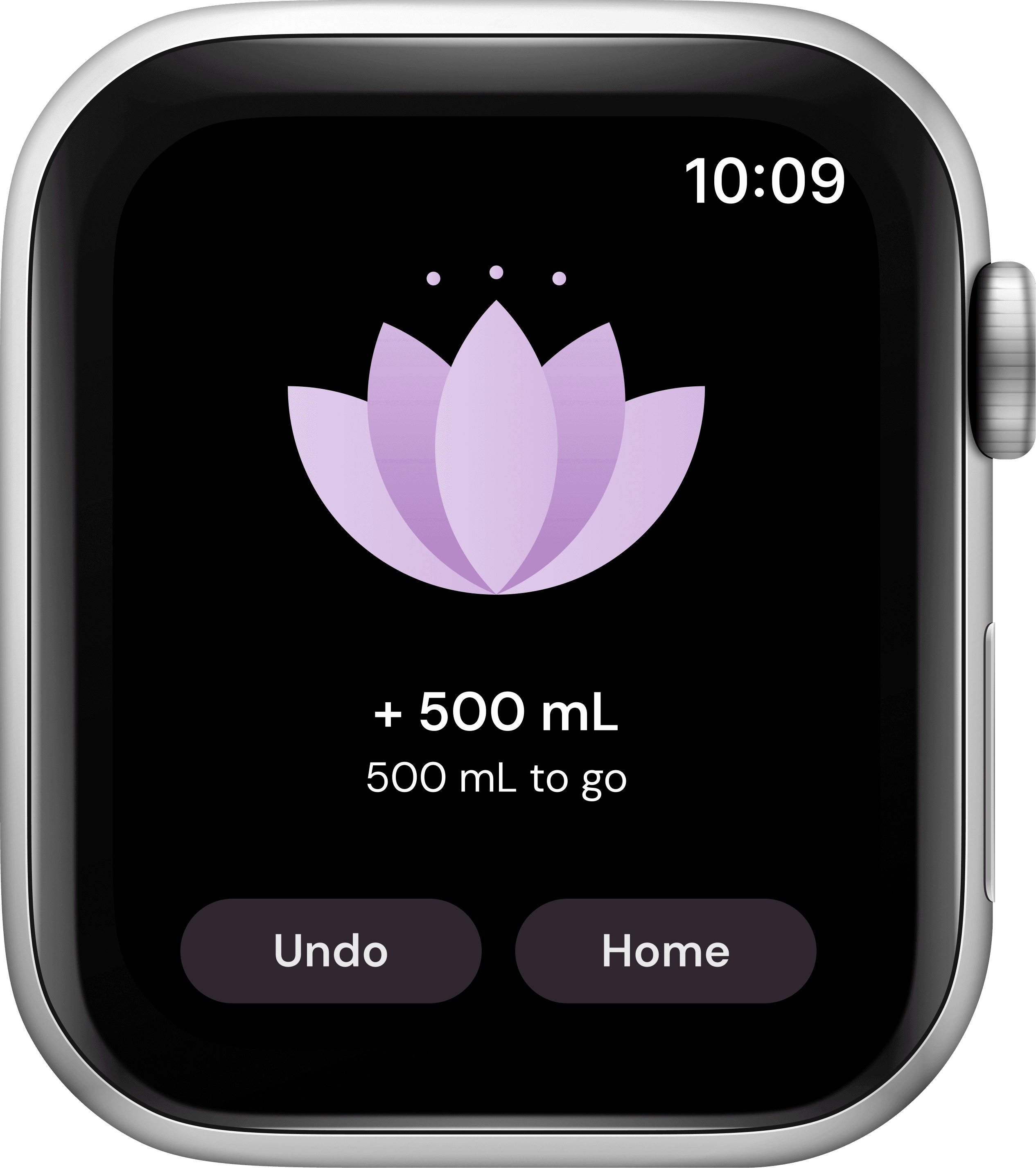
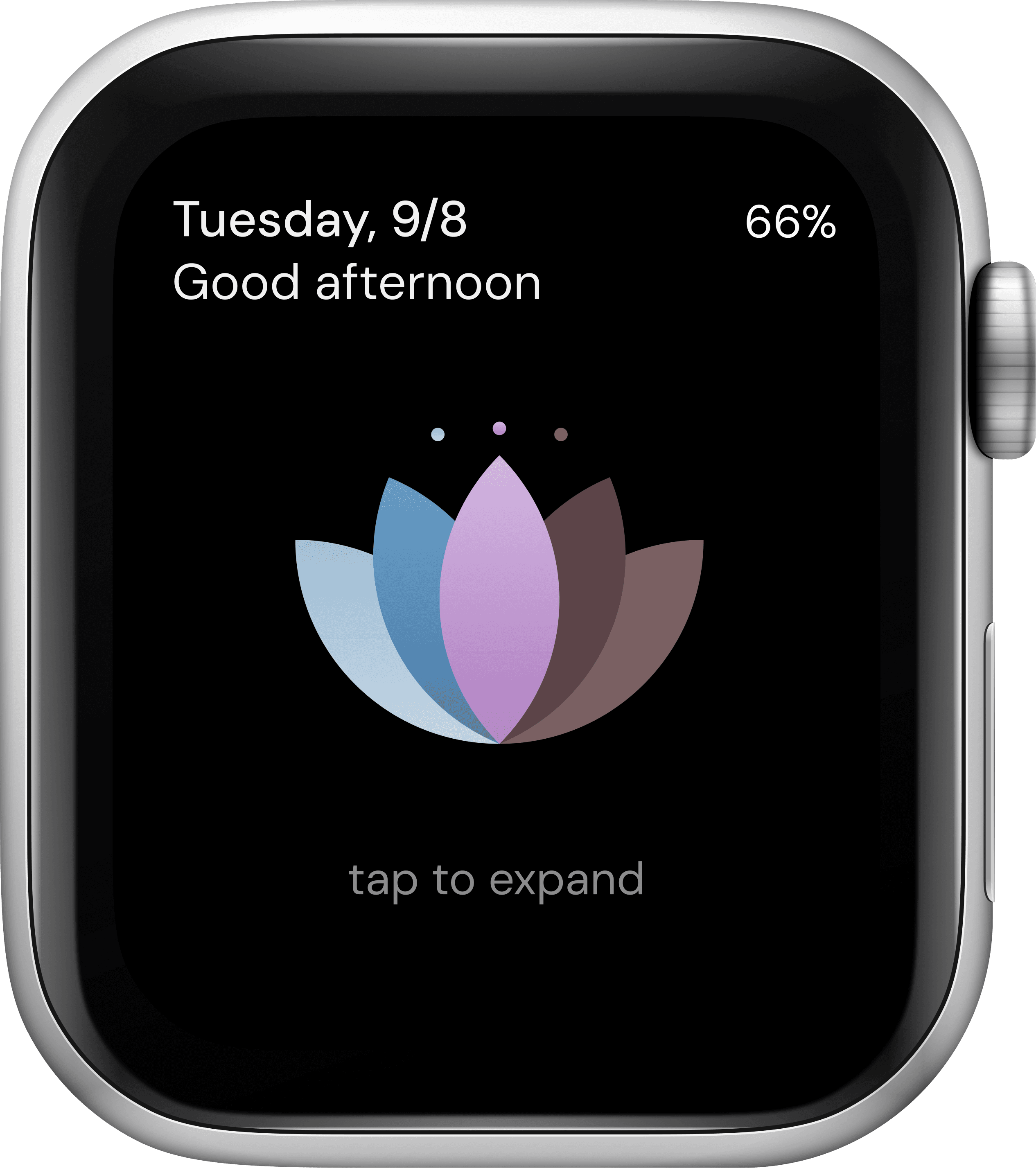
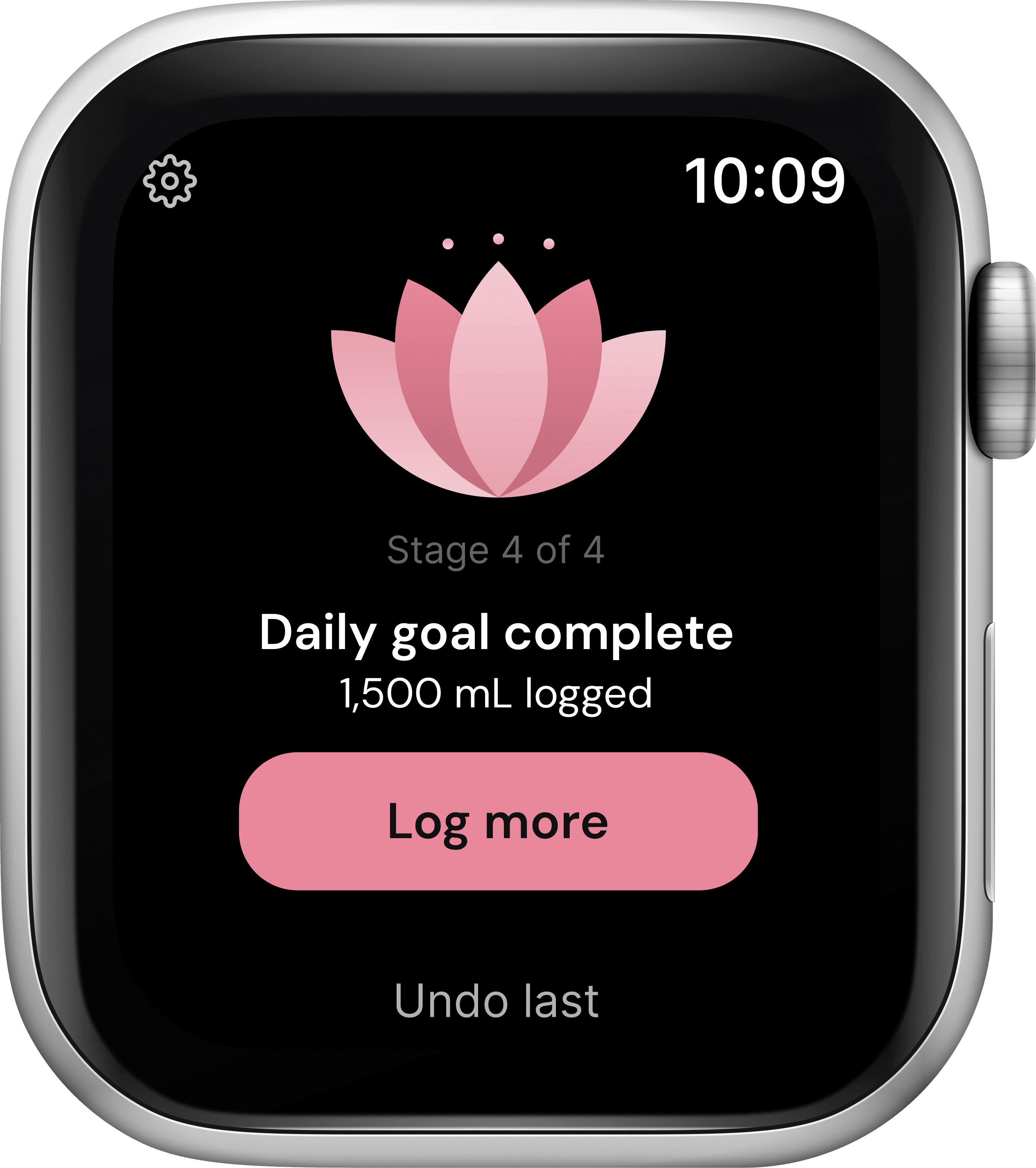
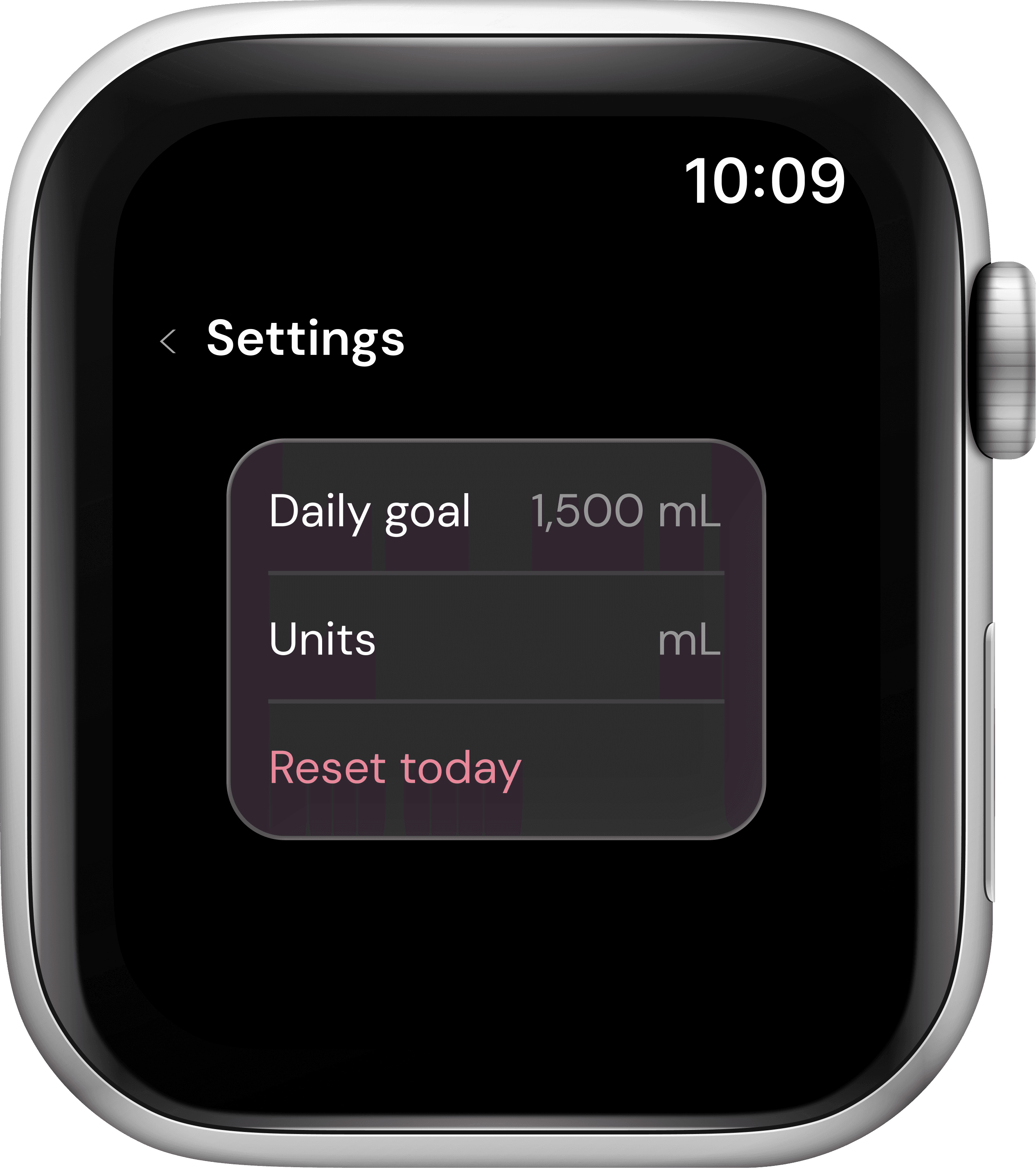
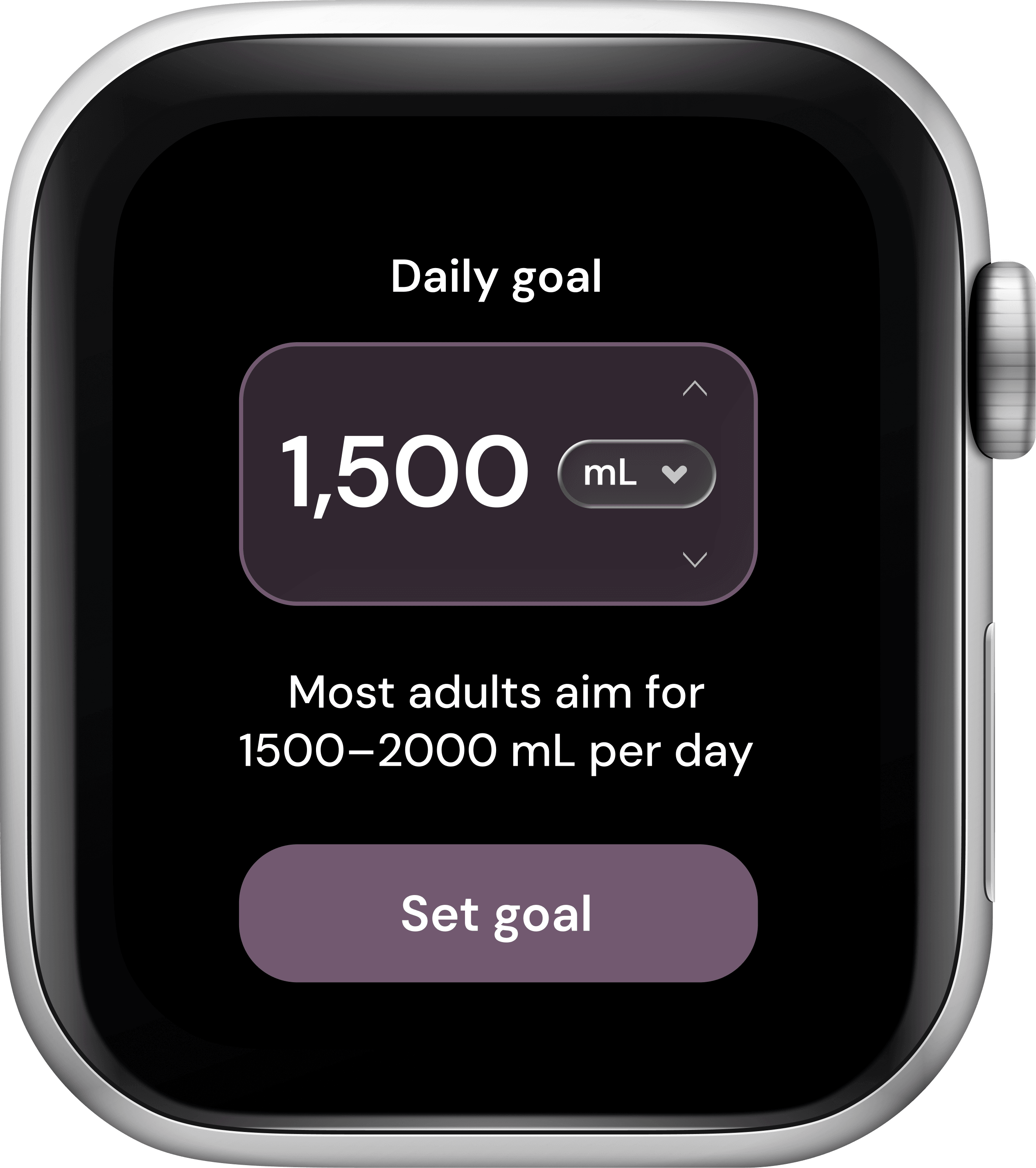
- 01
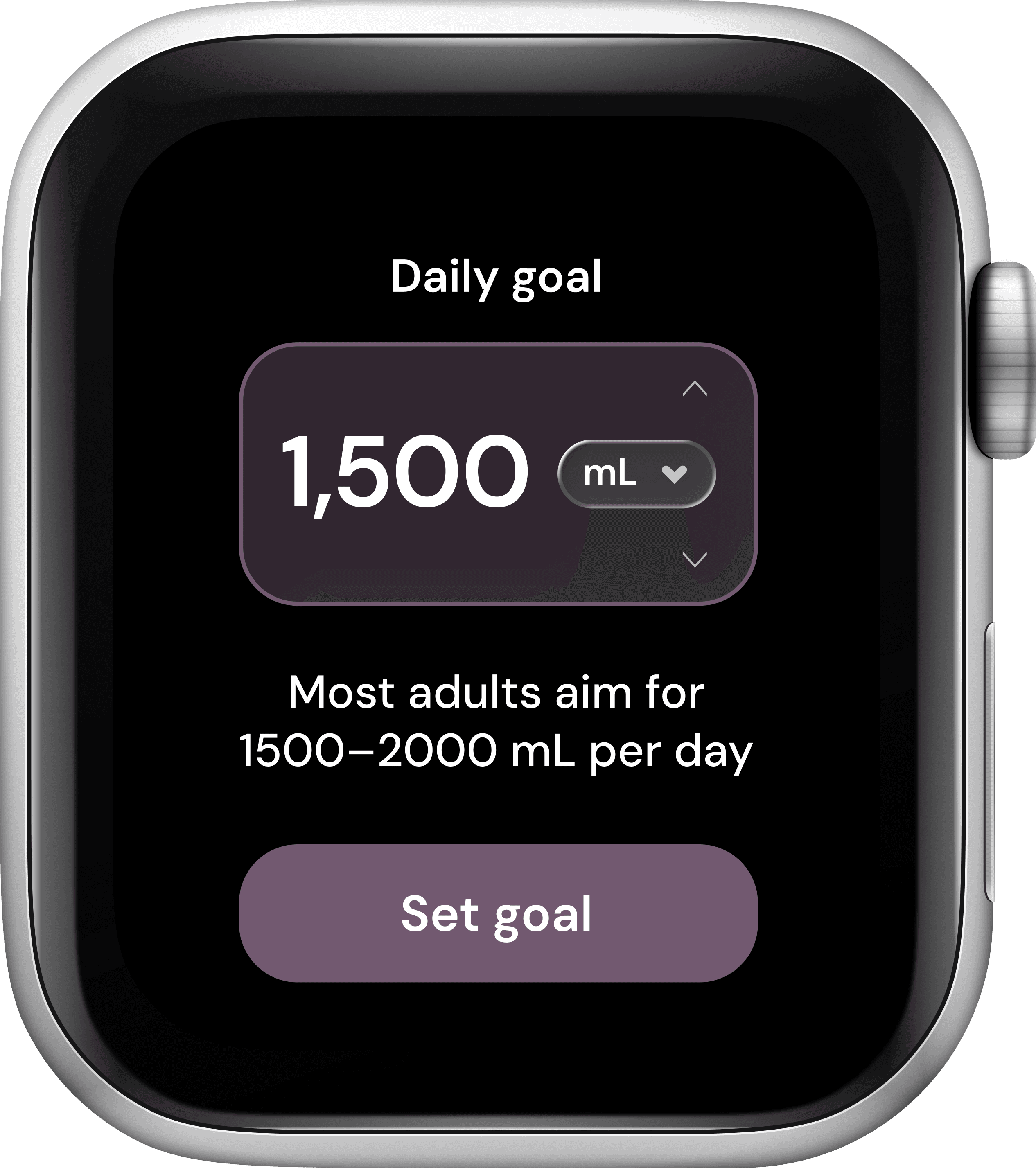
Daily goal
A goal she doesn't have to guess.
- Starts at 1,500 mL, nudged up or down with the arrows
- Units switch right beside the number
- A reminder that most adults aim for 1,500–2,000 mL a day
- One button to set it and move on
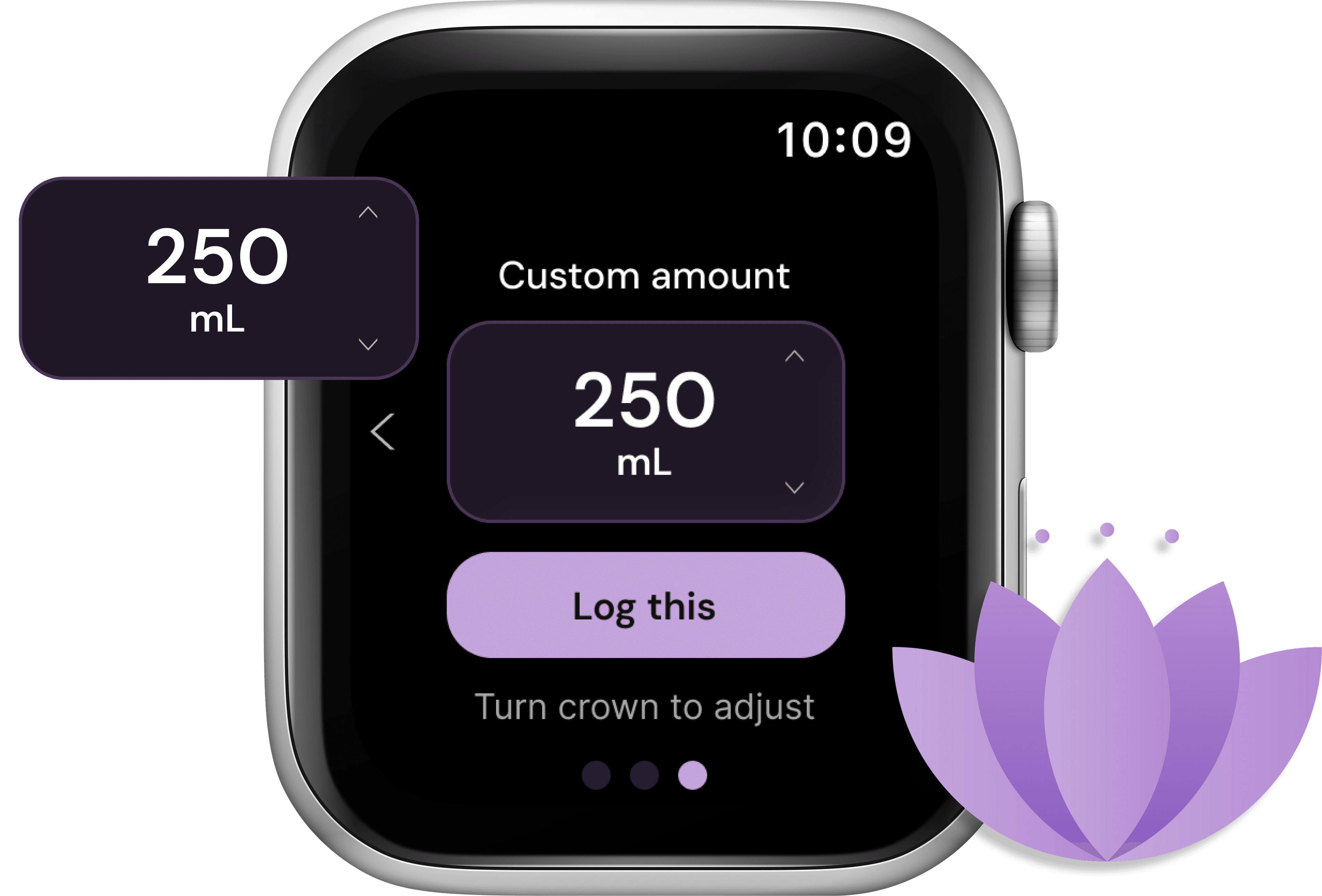
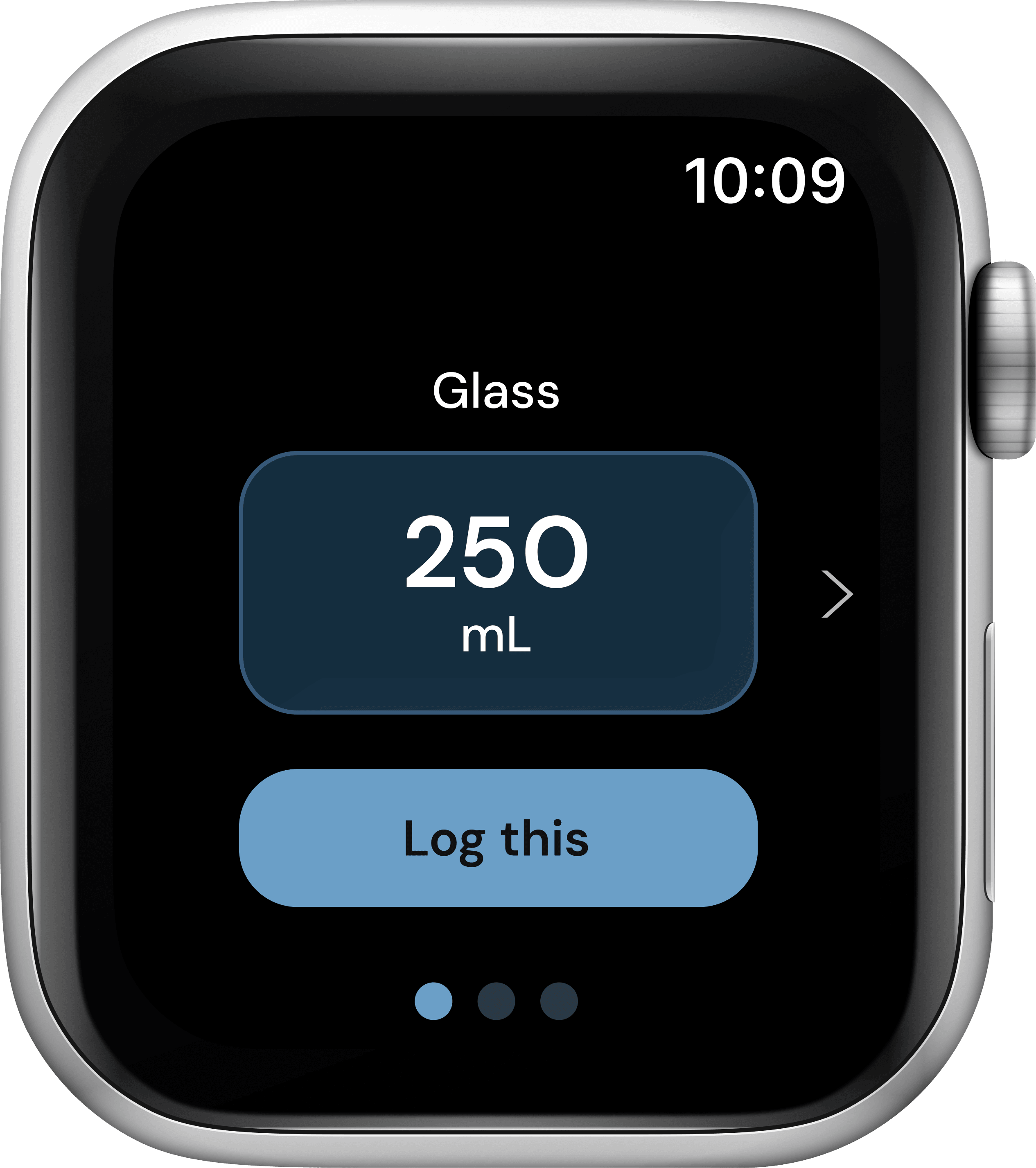
- 02
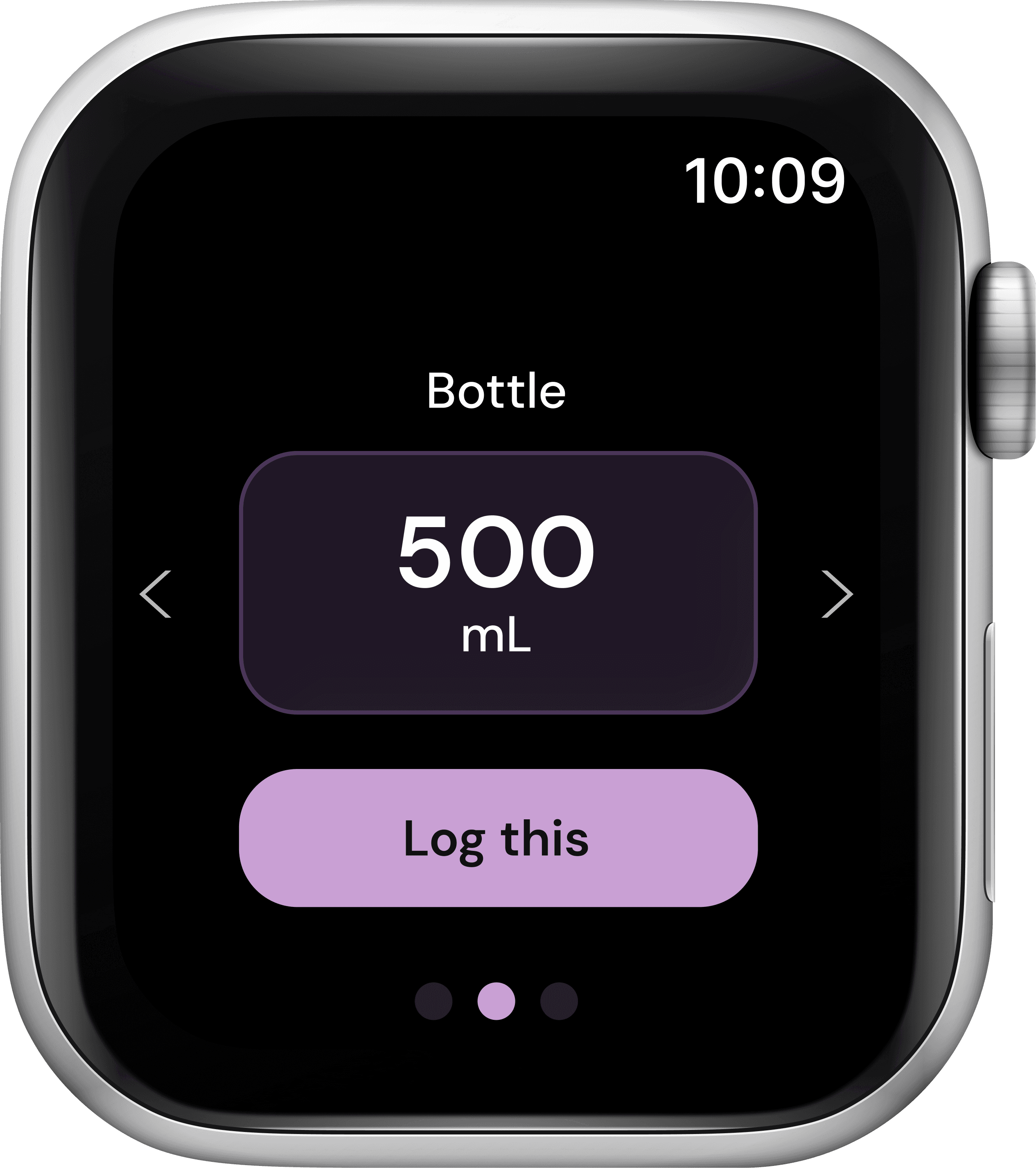
Add water
Logging starts from a glass, not a number.
- A Glass preset, already filled in at 250 mL
- An arrow and three dots lead on to Bottle and Custom amount
- One tap on Log this and it's done
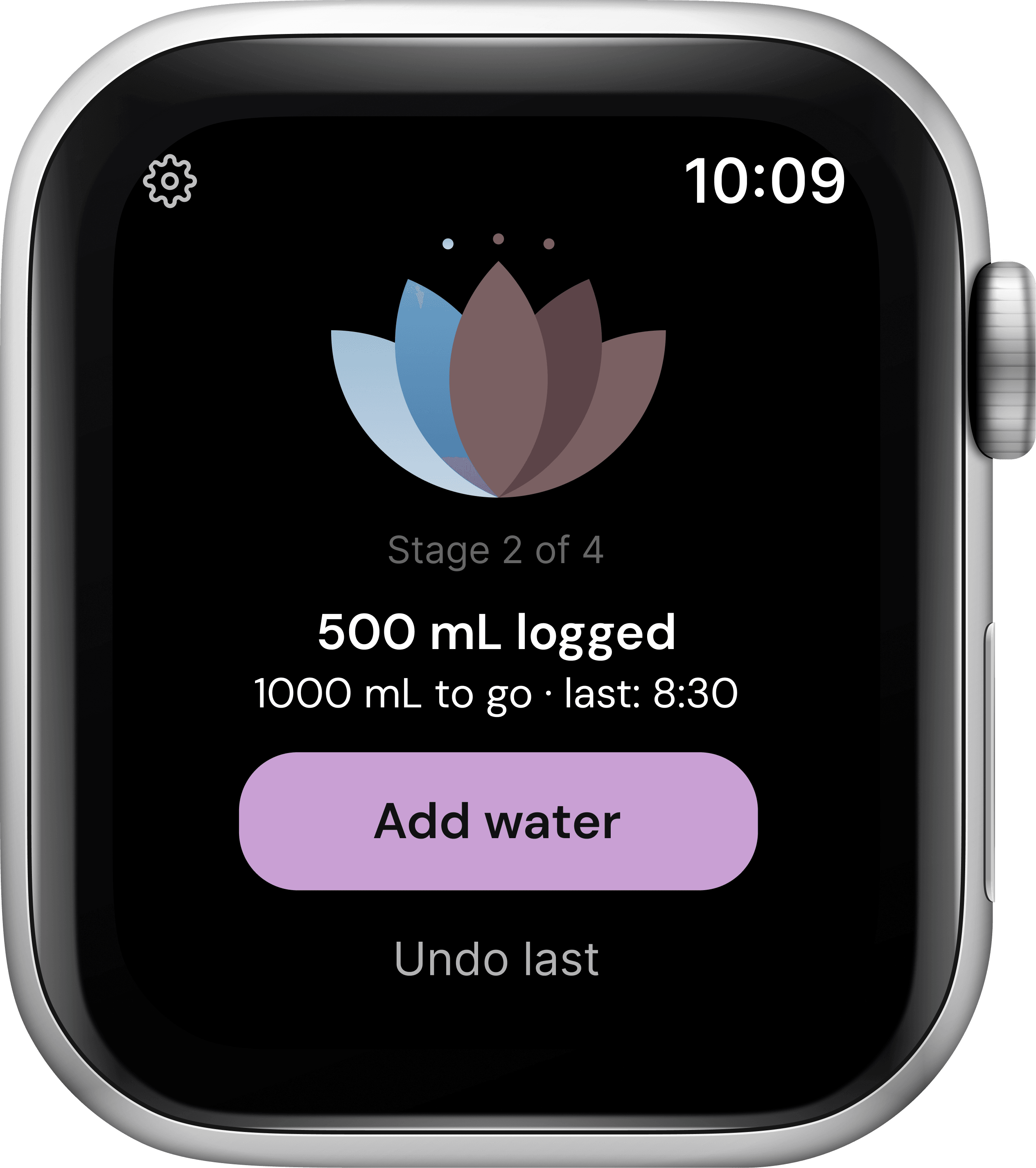
- 03
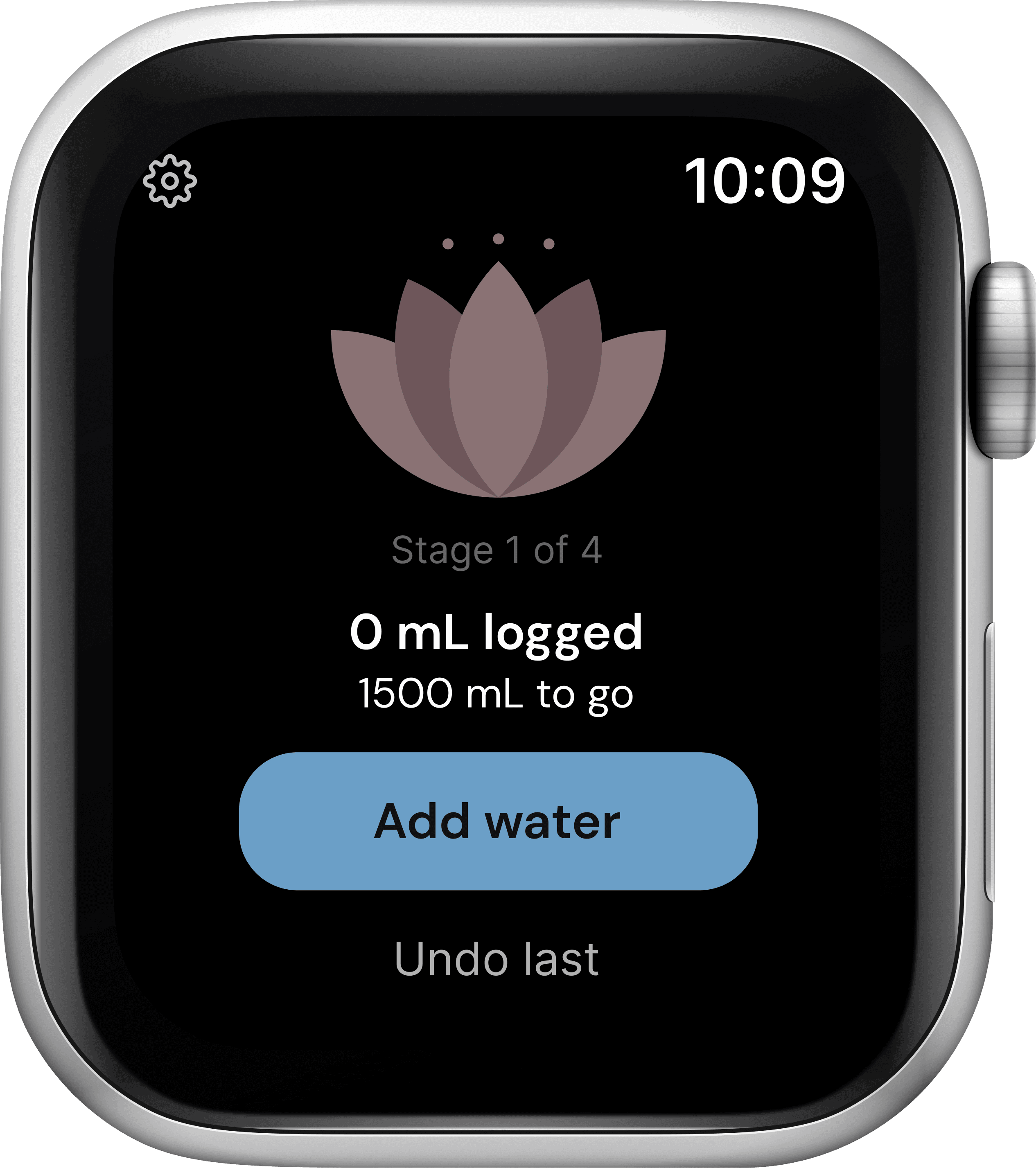
Home
Where she stands, and what's next.
- The lotus fills in color as the day goes, with the stage named below it
- What's logged, what's left, and when she last drank
- Add water front and center, with Undo last right below
- Settings one tap away in the corner
- 04
Goal reached
The day ends in full bloom.
- The lotus blooms out petal by petal, the whole flower in one color
- The last log and a plain “Congrats! You hit your goal”
- Undo and Home, in case that last one was a mistake
Accessibility
- Not color alone. The lotus fills petal by petal, and each stage is also named in words (“Stage 2 of 4”).
- Easy to hit. Undo and Home are full-size buttons, not small text links.
Every decision ran through one question: can she read it in a single glance?
What worked
Letting the lotus carry the meaning instead of the numbers: it fills petal by petal, and “Stage 2 of 4” backs it up in words.
What I'd do differently
Design past the first day. The research kept coming back to building a habit, but this version stops at today's goal; next I'd add a light history so she can see whether it's actually sticking.
What I'd track
In the beta: how often people glance instead of digging, and whether the daily bloom holds up as a habit past the first couple of weeks.
Want to hear more?
I’d love to walk through the details.